
QR Code Invitations and Digital Entry Passes
A coded invitation is simple in principle: each guest receives a code of his own, and at the door the code is scanned to show his name and the number of people with him. Because the code is single use, a forwarded copy does not work.
What it actually solves
- Forwarding. An image travels without limit. A code works only for its owner.
- Queues at the door. Instead of hunting for a name on a printed sheet, the host scans in a second.
- Real attendance. You learn how many actually came, not how many confirmed, and those are different numbers.
- Seating. Each code can be tied to a specific table at a more structured event.
When you need it and when you do not
Above roughly one hundred and fifty guests, or where the venue has a strict capacity, or where you fear the invitation spreading, a coded pass saves you an evening of confusion. At a gathering of thirty people you know individually, it is needless complexity.
The usual worries
Older guests will not manage it. In practice the guest does nothing: he opens the message and shows the screen, and the host does the scanning. And the no-signal worry is handled by keeping a manual name search as a fallback.
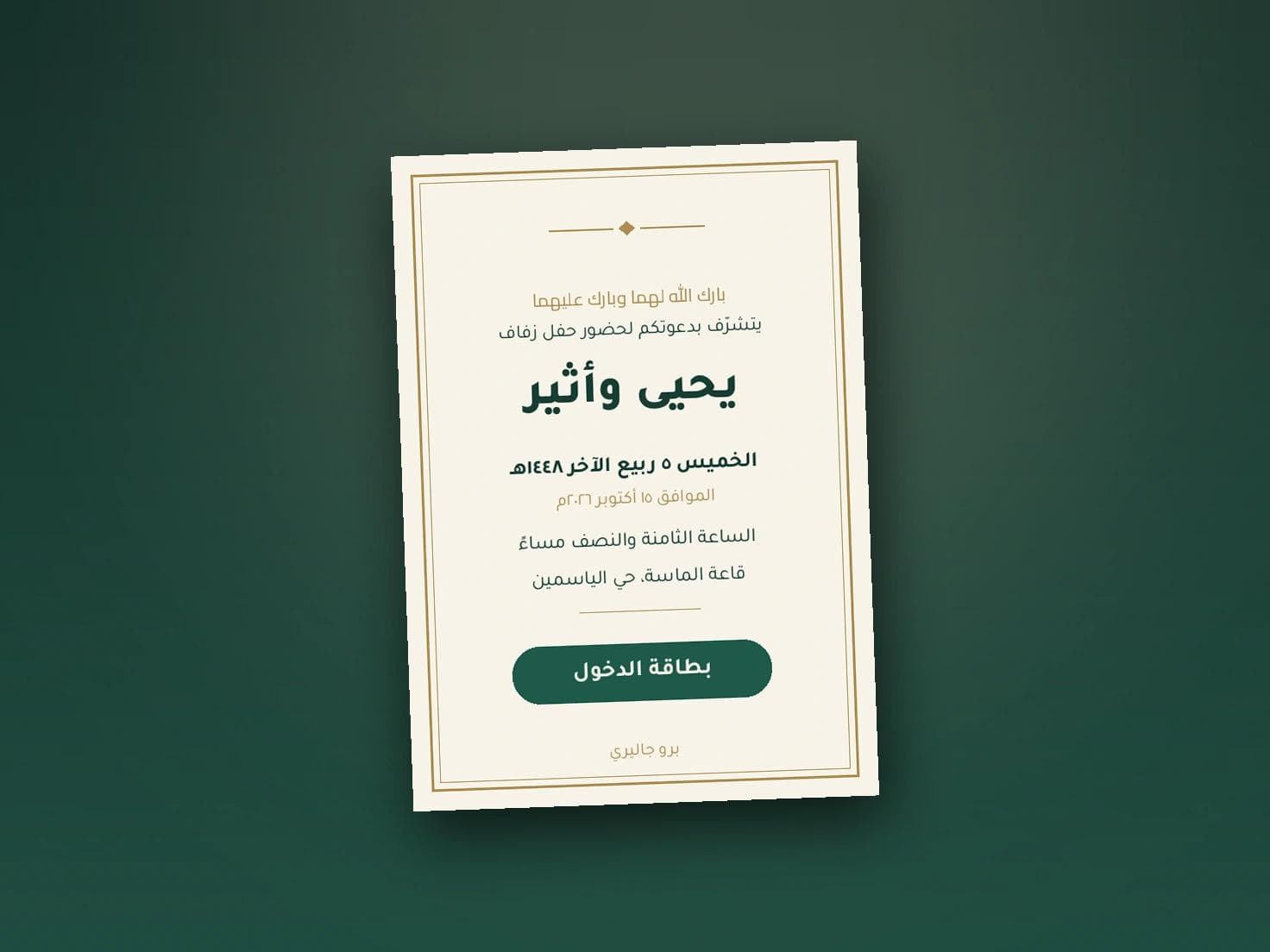
In Pro Gallery invitations the entry pass arrives with the invitation itself, with no extra step for the guest, and you control the pass's layout, colours and typeface exactly as you control the card.
Setting up the door
Two people at the entrance handle two hundred guests comfortably, with two charged phones and a printed name list as backup. Test a scan before the event, not as the first guest arrives.
For tracking confirmations beforehand, see the attendance confirmation article.
Organise your entrance
Send an invitation addressed to each guest with his own entry pass, and keep the door moving. Start with Pro Gallery here.