
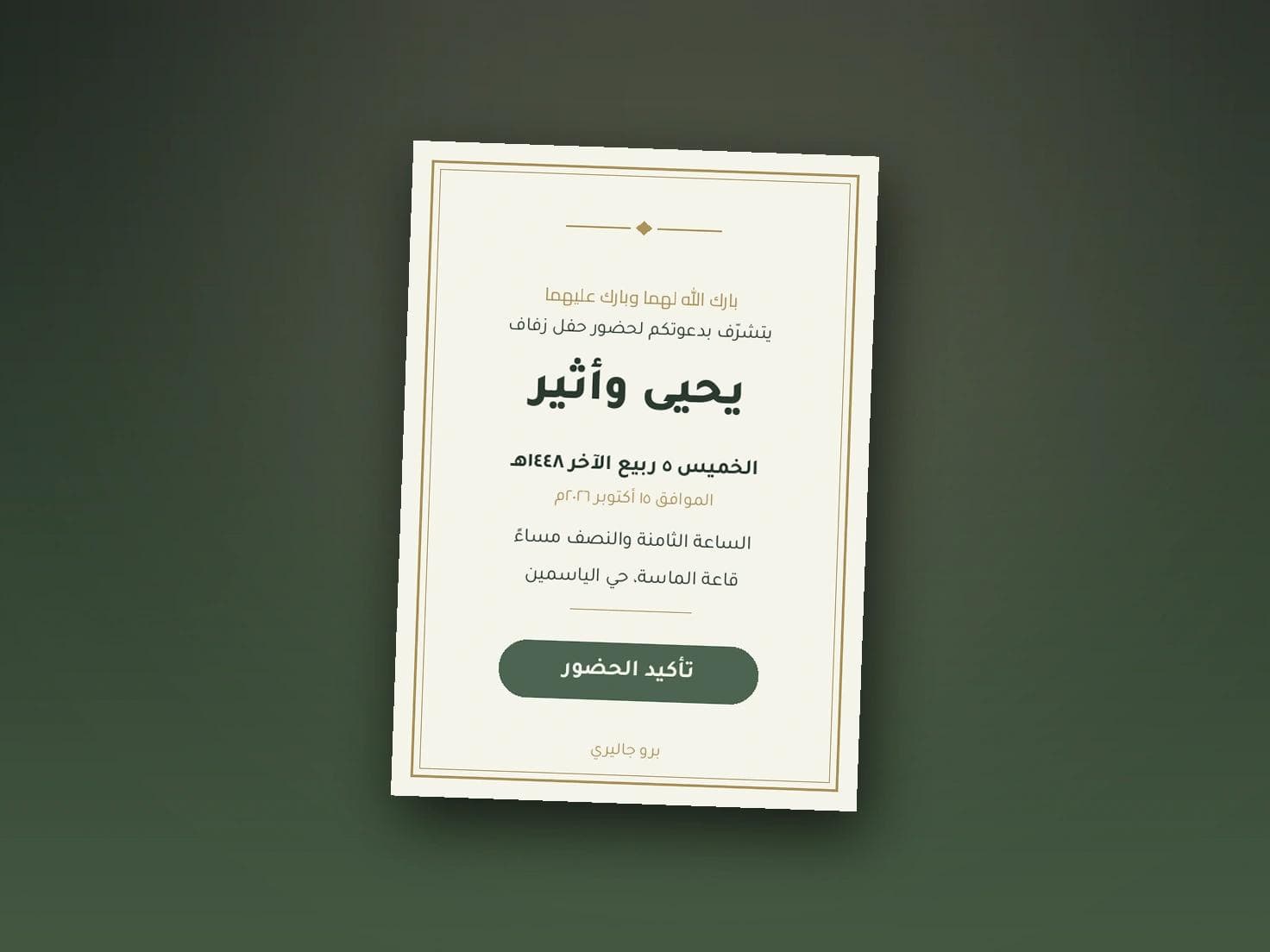
Wedding Invitation Backgrounds and Designs: How to Choose
A background is not decoration. It decides whether your text is read in one second or lost under the pattern. One rule governs the choice: the more detail in the background, the more empty space you need around the text.
Four families of background
- Solid colour. The safest and the most elegant. Deep green, navy or ivory, with text that reads at a glance.
- Light Islamic pattern. Beautiful when it stays at the edges and leaves the centre of the card calm.
- Marble or textured paper. Gives the feel of fine printing, as long as the veining stays subtle.
- Florals and gradients. Better suited to women's and engagement cards, and they need a clear area in the middle for the text.
Contrast decides everything
The most common mistake is gold text on a pale beige background. On a laptop it looks luxurious. On a phone in daylight it disappears. Keep gold for the frame and the pattern, and set the text in a clear dark colour.
A quick test: open the card on your phone and drop the brightness to half. If you struggle to read the date, the contrast is too weak.
Background by occasion
Men's cards lean to darker, restrained colours with clear type and limited ornament. Women's cards carry gradients, florals and lighter palettes. Engagement cards sit lighter than both and closer to simplicity. If one occasion has two halls, keep the same colour and change only the ornament, so both cards clearly belong to one family.
Type matters more than background
Two typefaces, no more: one for the names and heading, one clear face for the details. Decorative faces are lovely on a name alone and exhausting on the date and time line. And set the time and date twice as large as you think is enough.
Here is the practical advantage in Pro Gallery invitations: you change the background, the colour and the typeface yourself and see the result instantly in a phone preview, then go back and change it again without paying edit fees or waiting on a designer. Because everything is in your hands, your card never comes out identical to someone else's.
Size and format
Invitations are opened on a phone in the vast majority of cases, so choose a portrait format rather than landscape, and leave a margin around the text so nothing touches the edges in a thumbnail.
When you reach the arrangement of the text itself, the full detail is in the wedding invitation design guide, and ready phrases are in the invitation wording article.
Try the backgrounds yourself
Instead of hunting for a ready background and forcing your text onto it, try several backgrounds against your own wording in two minutes. Start with Pro Gallery and keep changing until it is right.