
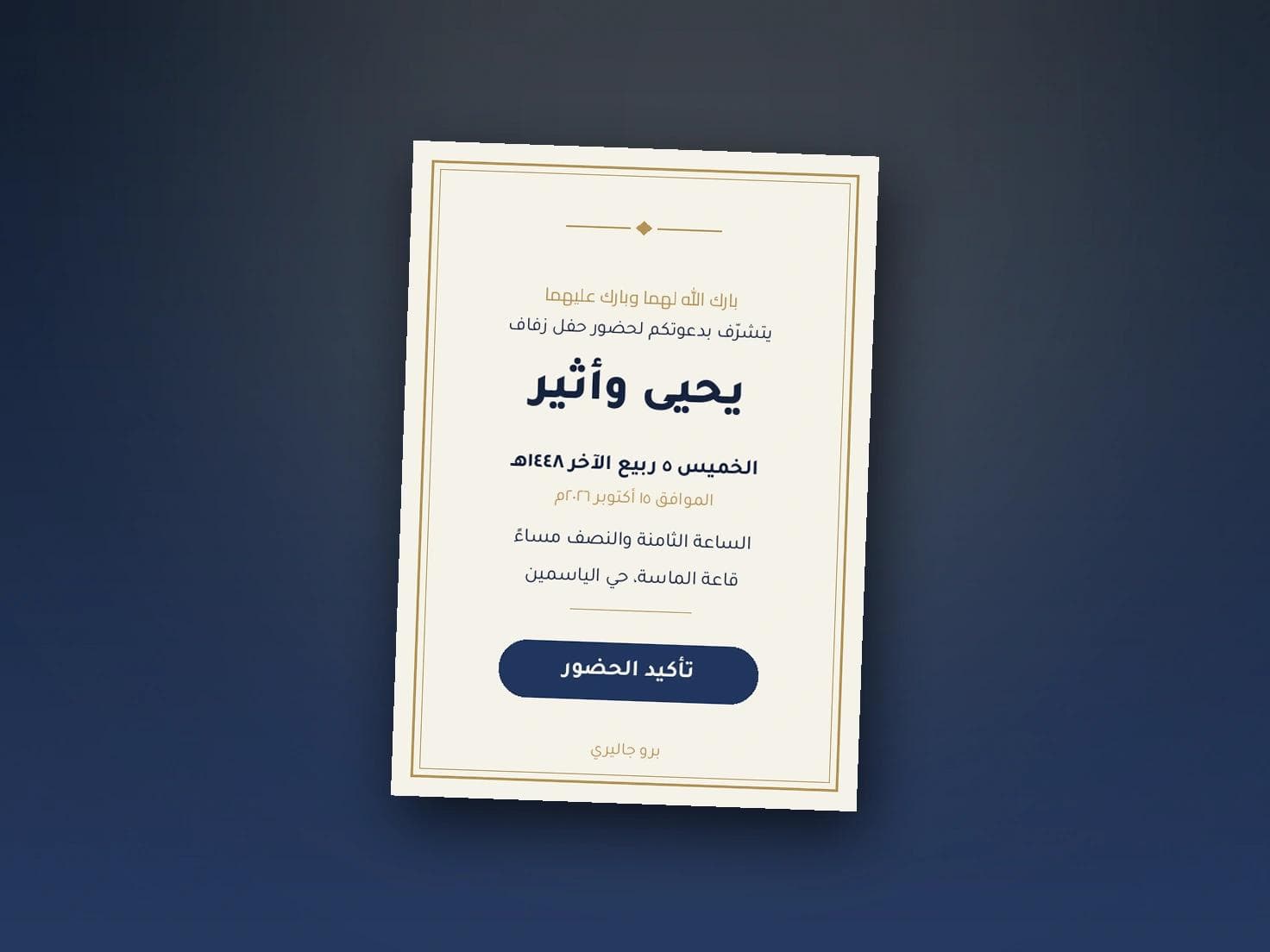
Design Your Own Wedding Invitation in Minutes
Designing your own wedding invitation no longer requires design software or a designer you wait three days to hear from. Five steps are enough, and you finish with a card ready to send in under ten minutes.
The five steps
- Write the text first. Before any design, write the host, the occasion, the date, the time and the venue in a note on your phone. The design serves the text, not the reverse.
- Choose the background. A solid colour or a light pattern, and keep detail away from the centre of the card.
- Set type and sizes. Two typefaces at most, with the date as the largest line after the names.
- Check it on a phone. Not on a laptop, because that is where the guest will see it.
- Add the way to confirm. An accept or decline button, because an invitation with no reply is half an invitation.
Why first attempts fail
Three recurring reasons. Starting with the background before the text, so you end up squeezing words into a narrow space. Using three typefaces on one card. And judging the design on a large screen, then discovering it is unreadable once sent.
A closed template versus full control
Most platforms sell you a fixed template where only the words can change, and any real adjustment needs a designer and an extra fee. In Pro Gallery invitations the control is entirely yours: wording, colours, typeface, background and layout, changed whenever you want, even after sending, with nobody to wait for and no edit fees. That is the substantive difference in this market.
And the sending
Design is half the job. The other half is the card reaching every guest by name, and you knowing who opened it and who confirmed. Upload the guest list once and let the system handle the rest.
If you need ready wording, it is in the wedding invitation wording article, and choosing a background is covered in the backgrounds and designs guide.
Design yours now
Start from your own wording, try colours and typefaces until it feels right, then send it to every guest by name. Start with Pro Gallery here.